Enter your email address and password carefully
Type the same email address that was used when the account was created. Then enter your password in the password field. If you want to check what you typed, use the eye button to show the password before you submit the form.
Select Sign In only after both fields are complete. If your information is correct, the system will open your normal landing page. For most users this is the dashboard. If your account still has no logbook yet, the system may take you to the first logbook setup page instead.
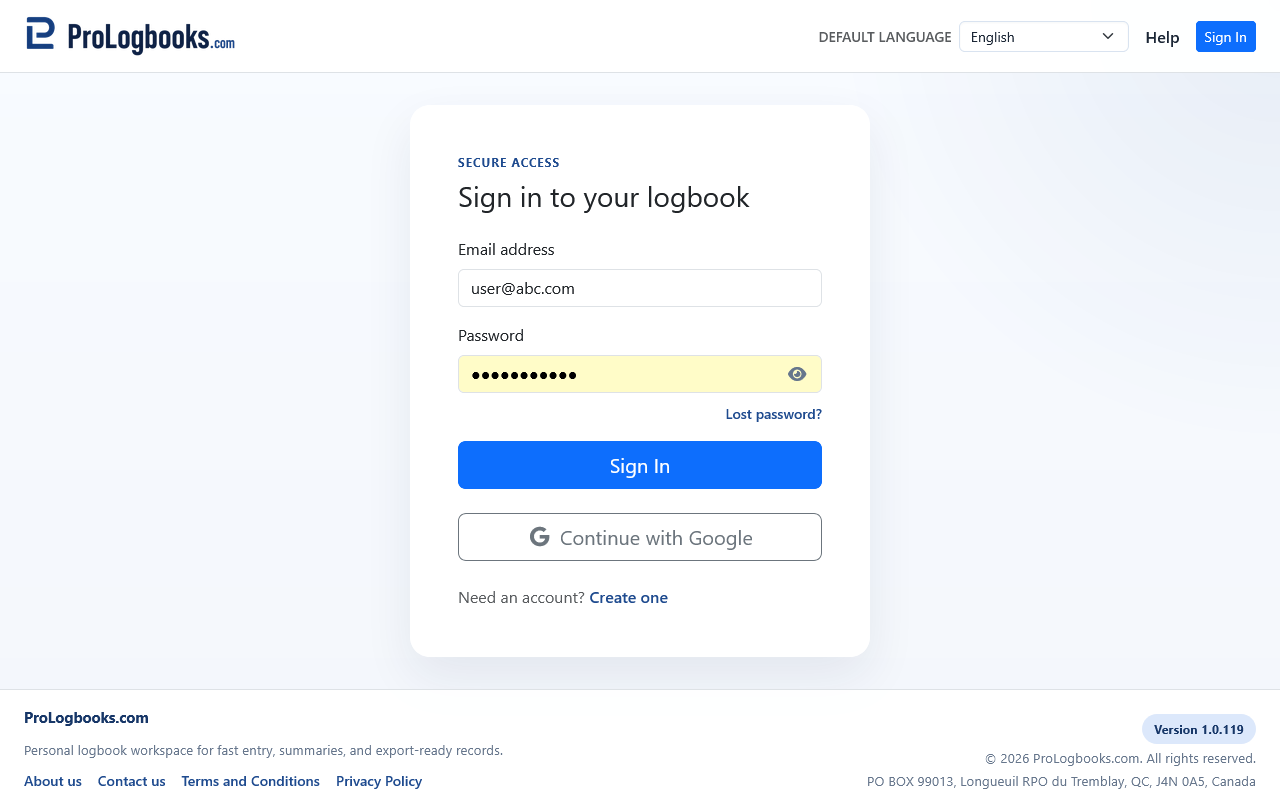
Use the other links only when they match your situation
Use Lost password if you cannot remember your password. Use Create one if you do not have an account yet. These links are safer than trying many guesses, because repeated failed attempts usually waste time and can make you unsure which password is the right one.
If you are using a shared device, avoid leaving the page with your password visible on screen. Hide the password again before handing the device to somebody else.
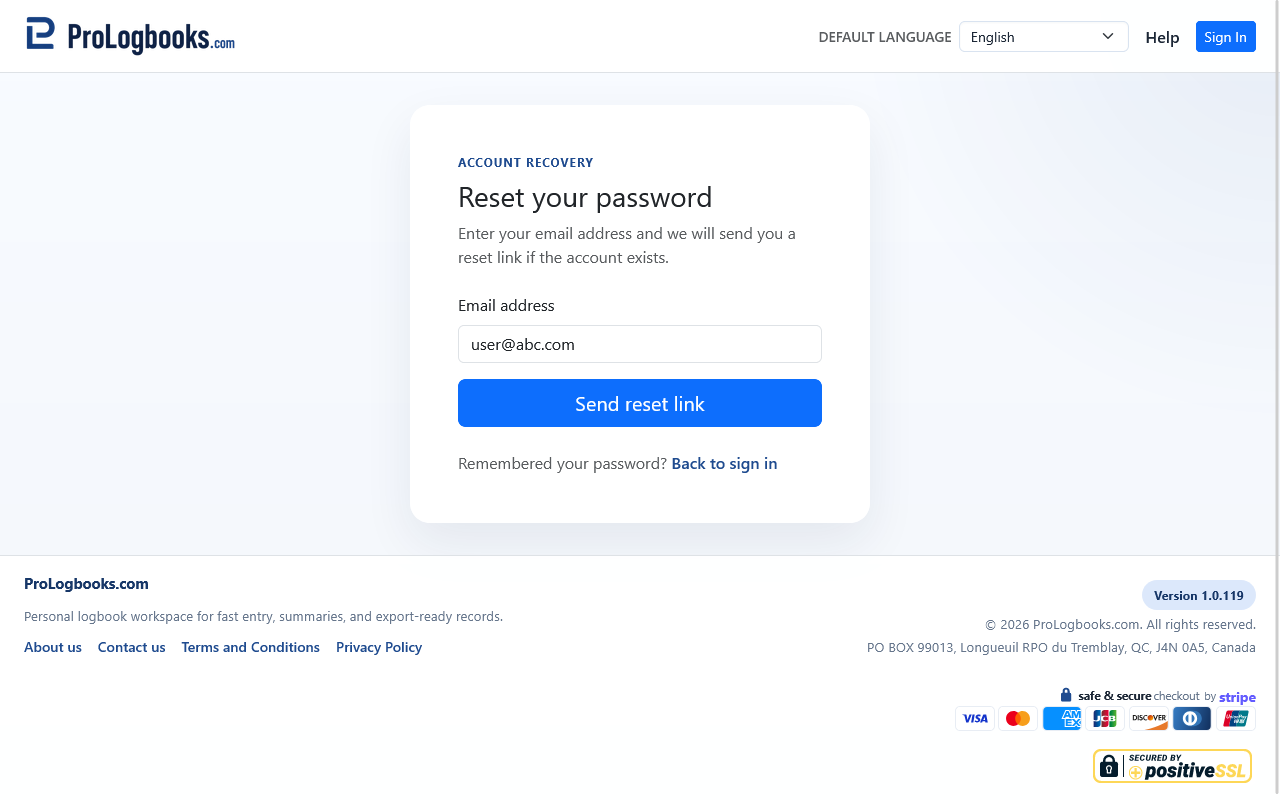
If something goes wrong
- If the page says your credentials are invalid, first confirm that the email address is the correct one and that Caps Lock is not changing your password.
- If the password still fails, stop guessing and use the lost password link so you can recover access cleanly.
- If sign-in succeeds but you do not reach the page you expected, the account may still be missing its first logbook or may be opening the dashboard for the currently selected workspace.