Understand what the logbook records
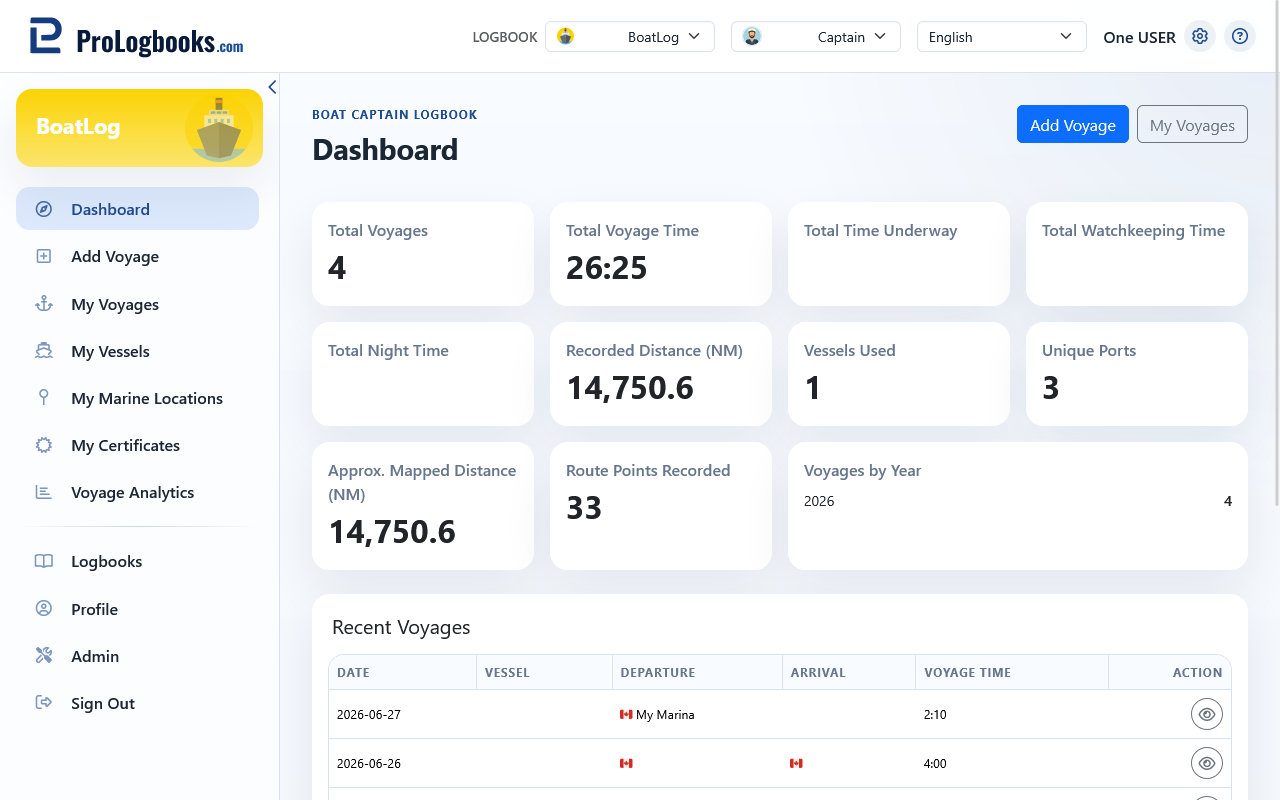
Each voyage joins a date and vessel to departure and arrival locations, your role onboard, operating times, distance, crew, weather, training activity, notes, attachments, and an optional mapped route.
Voyage time is the overall duration you record. Time underway, night time, and watchkeeping time describe parts of that activity and should reflect your own records.
- Roles identify your duty onboard; choose the option that matches the voyage.
- Vessels and marine locations are reusable personal catalogs.
- Maps, calculated distances, and marine data are informational and are not navigation aids.
Start with the correct logbook
Marine records belong to the currently selected Boat Captain Logbook. Switching logbooks changes the voyages, vessels, locations, analytics, and exports you can see.
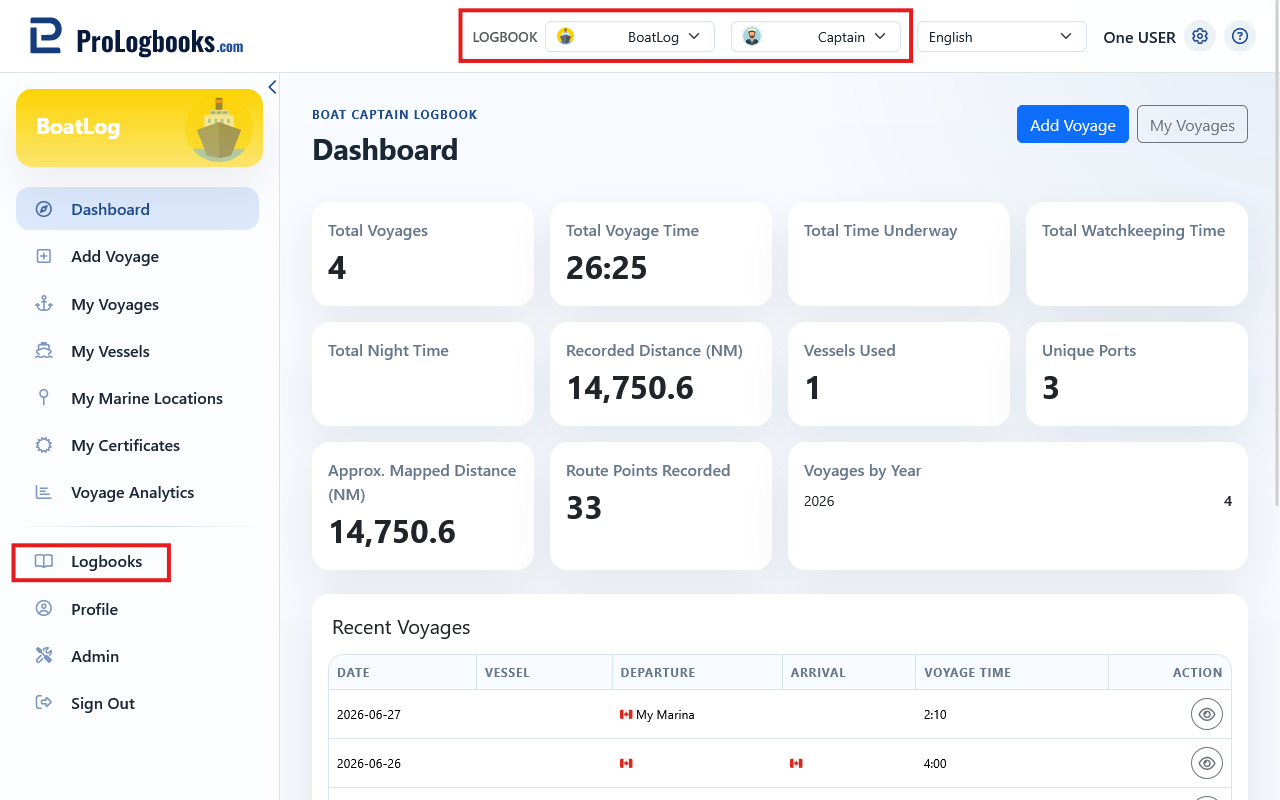
- Select an existing Boat Captain Logbook, or create one from Logbooks.
- Open My Voyages to review records or Add voyage to enter your first voyage.
- Create vessels and favourite locations as you need them.
Choose the right workflow
- Use Add voyage for a completed or manually reconstructed voyage.
- Use Time Tracking when your plan includes it and you want to capture timing as it happens.
- Use My Voyages to filter, open, edit, or delete saved records.
- Use Voyage Analytics for totals and trends, and Exports for an external copy.
- Spreadsheet and CSV import are not available for Boat Captain Logbooks; enter voyages manually.
If something goes wrong
- If marine pages are not available, confirm that the current logbook type is Boat Captain.
- If expected records are missing, check the selected logbook before creating duplicate entries.
- If an action is unavailable, confirm that your account plan includes the required feature.