Set the analysis scope
Apply the available date and voyage filters before interpreting totals. Every card, chart, table, and mapped route reflects the active filters.
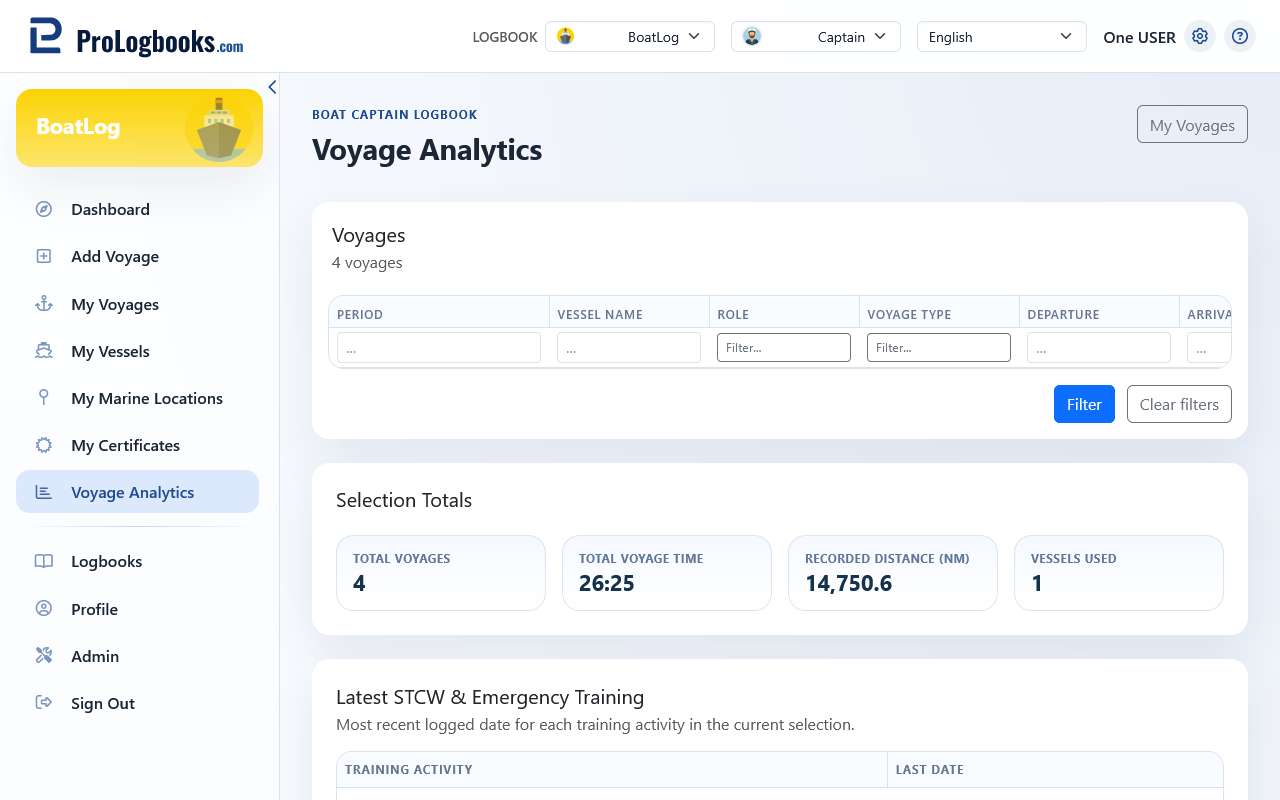
Read the totals and charts
Cards cover total voyages, voyage time, time underway, watchkeeping, night time, recorded distance, vessels, unique ports, engine hours, route points, and approximate mapped distance.
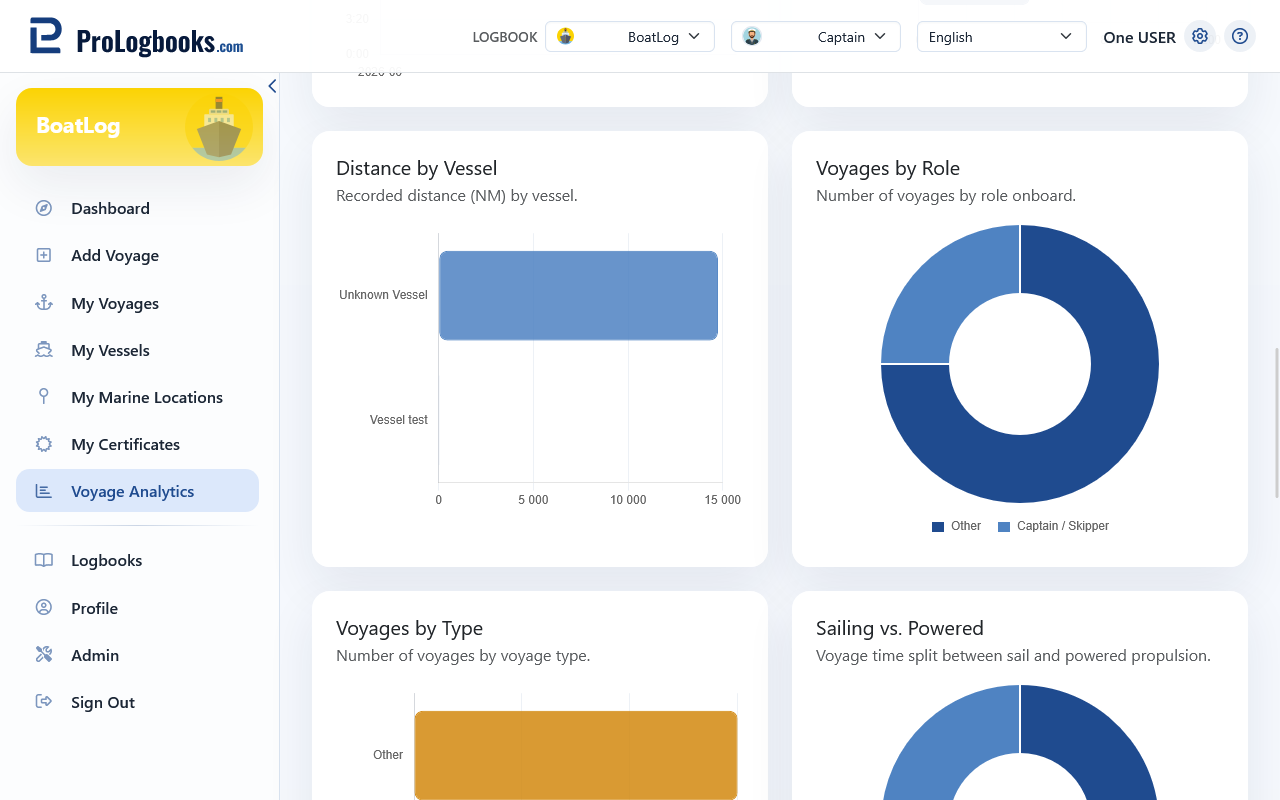
Charts break down voyages by year, month, vessel, role, type, propulsion, commercial or recreational activity, countries visited, and monthly night or watchkeeping time.
Review routes, recent voyages, and training
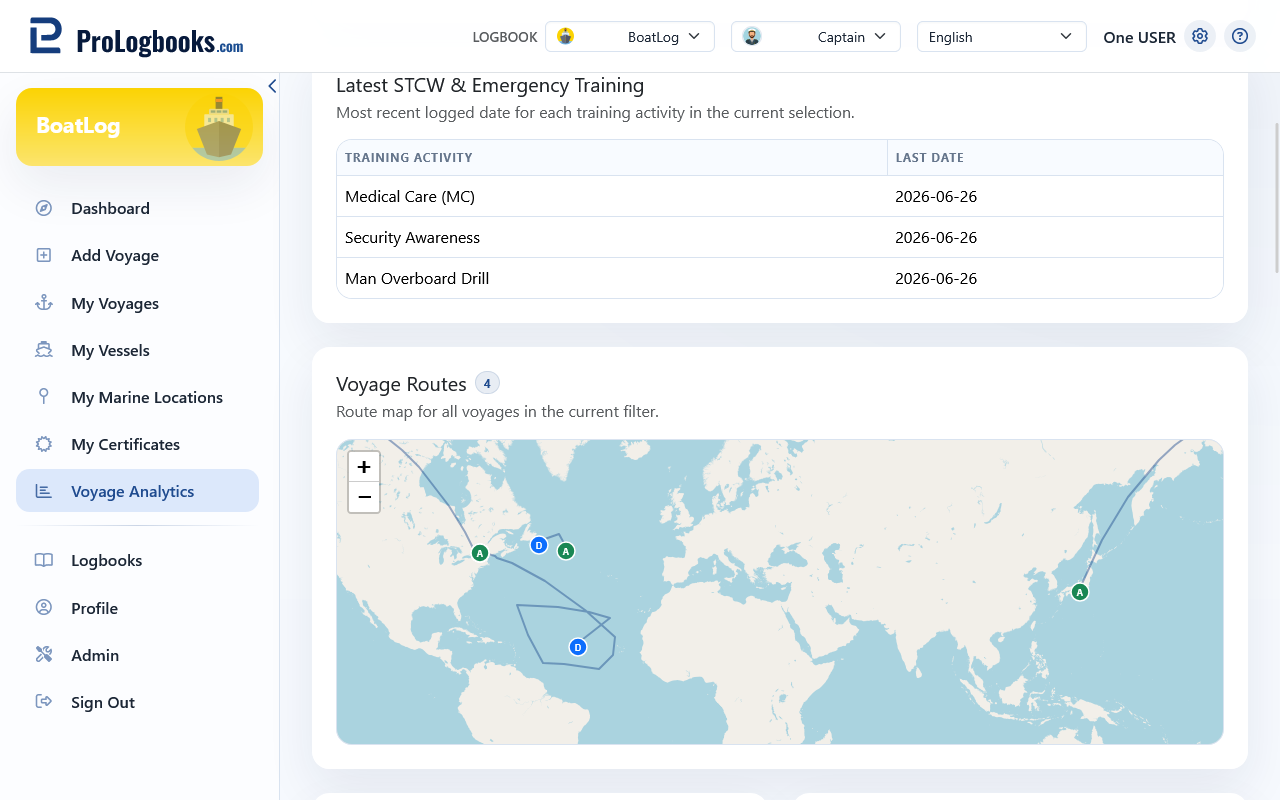
The page also shows route statistics, recent voyages, latest STCW and emergency training dates, and an overlay of recorded routes. Open the source voyage before relying on a value.
- Analytics inherit missing or incorrect source data.
- Approximate mapped distance depends on available route points.
- Training dates summarize recorded activity; verify formal requirements with the relevant authority.
If something goes wrong
- If totals are zero, clear filters and confirm that the current logbook contains voyages.
- If a total looks wrong, verify the contributing voyages and their time, distance, role, and type fields.
- If mapped statistics are missing, confirm that voyages have saved route points.