Read the guides in the same order as your work
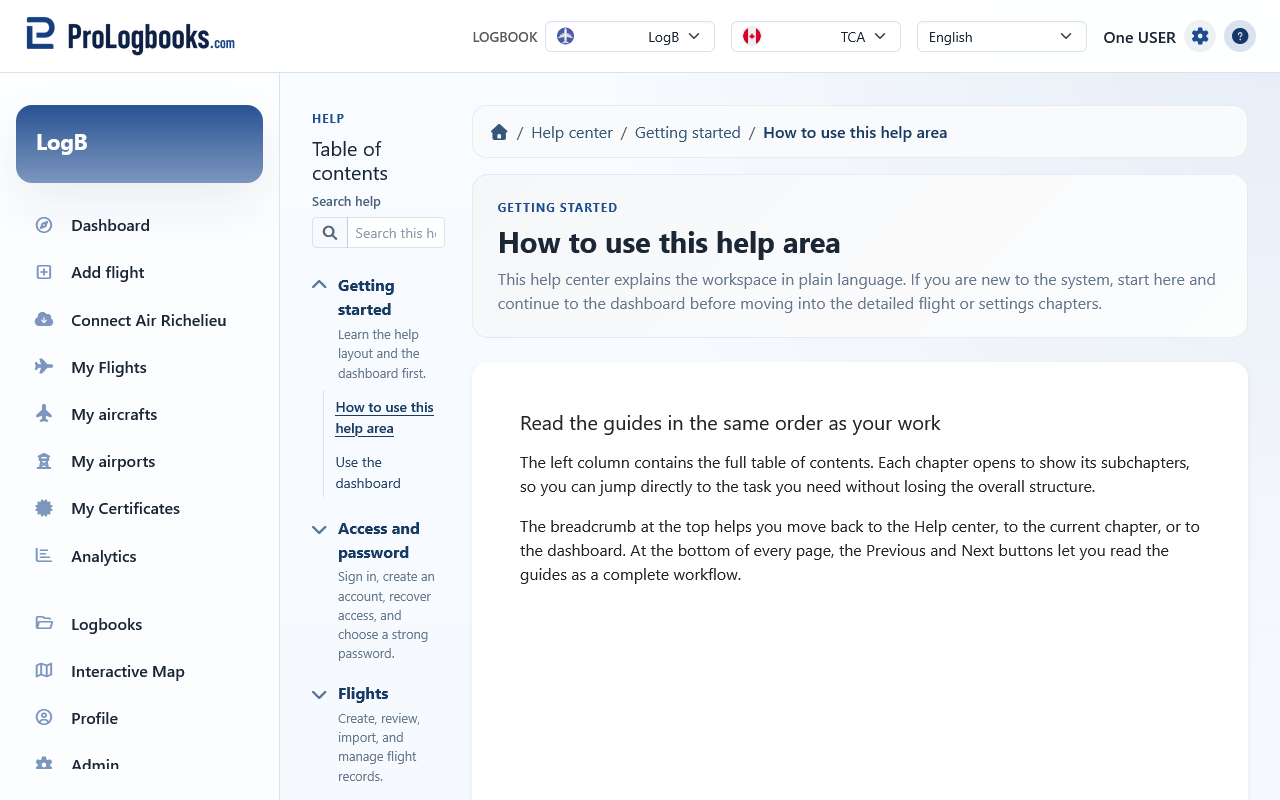
The left column contains the full table of contents. Each chapter opens to show its subchapters, so you can jump directly to the task you need without losing the overall structure.
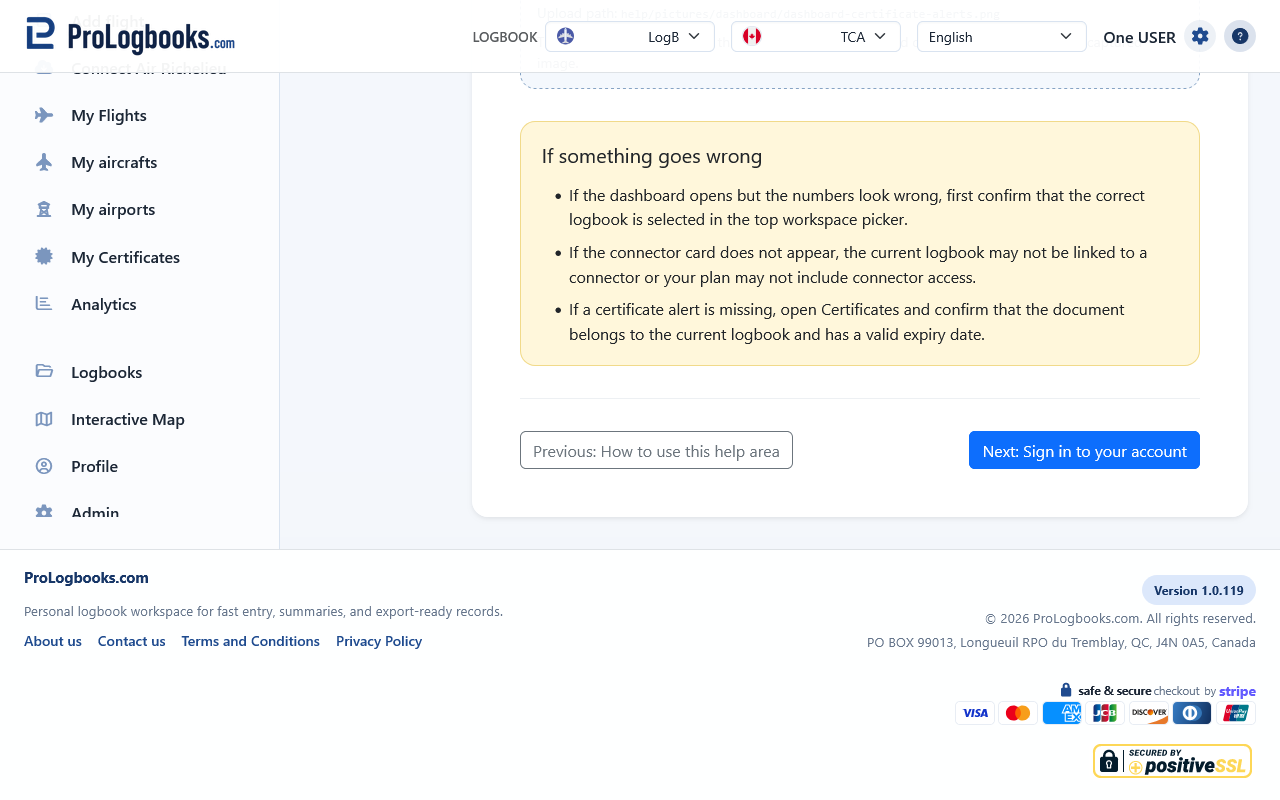
The breadcrumb at the top helps you move back to the Help center, to the current chapter, or to the dashboard. At the bottom of every page, the Previous and Next buttons let you read the guides as a complete workflow.
- Use the access chapter when you need help signing in, creating an account, resetting a password, or choosing a secure password.
- Use the dashboard chapter when you want an overview of the current logbook.
- Use the flights chapter when you need to create, review, export, or edit entries.
- Use the settings chapter when you need to change defaults, profile data, or your access plan.
Expect both explanations and recovery advice
These guides are written for users who are not technical. Each page explains what the visible controls are for, what order to follow, and what the result should look like after you save.
When a page can fail because of missing data, validation rules, plan restrictions, or archived logbooks, the guide includes a troubleshooting section in plain language instead of only showing field names or internal terms.
If something goes wrong
- If a link in the table of contents does not open, refresh the page once and then try again from the same chapter.
- If the content looks different from this guide, first check whether your current regulatory view or current logbook has changed.