Free Unlimited entries
Free forever — no limits, no logs, no time restrictions. Just clone it and go.
Use a clean, easy logbook with unlimited records included, then explore extra plans whenever you want more tools.
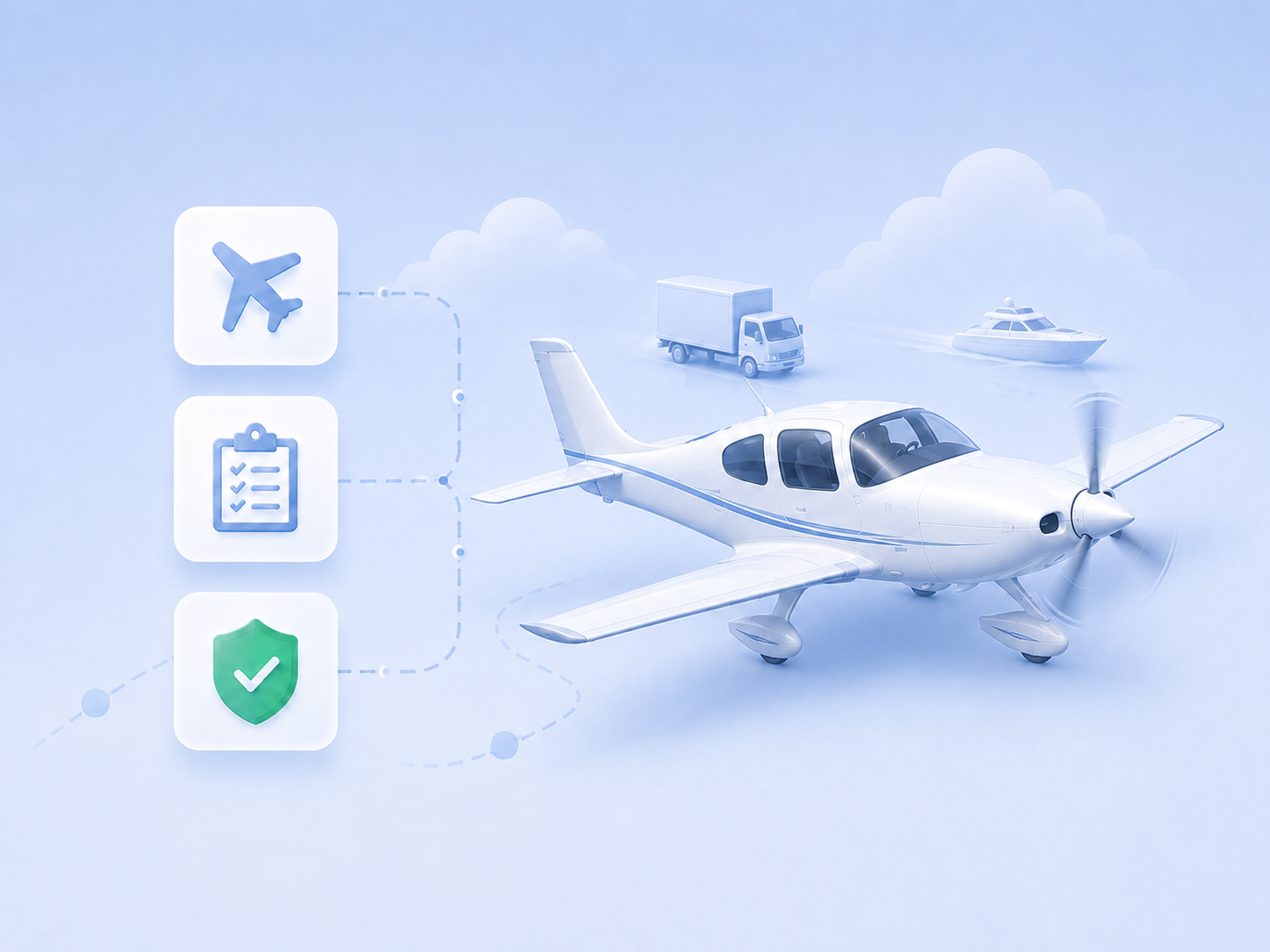
Built for pilots, cabin crew duties, drone operations, aviation mechanics, boat captains, truck drivers, and scuba divers, all in one workspace.
You can change this plan later from Account after signing in.
Start free, keep your records organized, and upgrade only when you need advanced tools.
Free forever — no limits, no logs, no time restrictions. Just clone it and go.
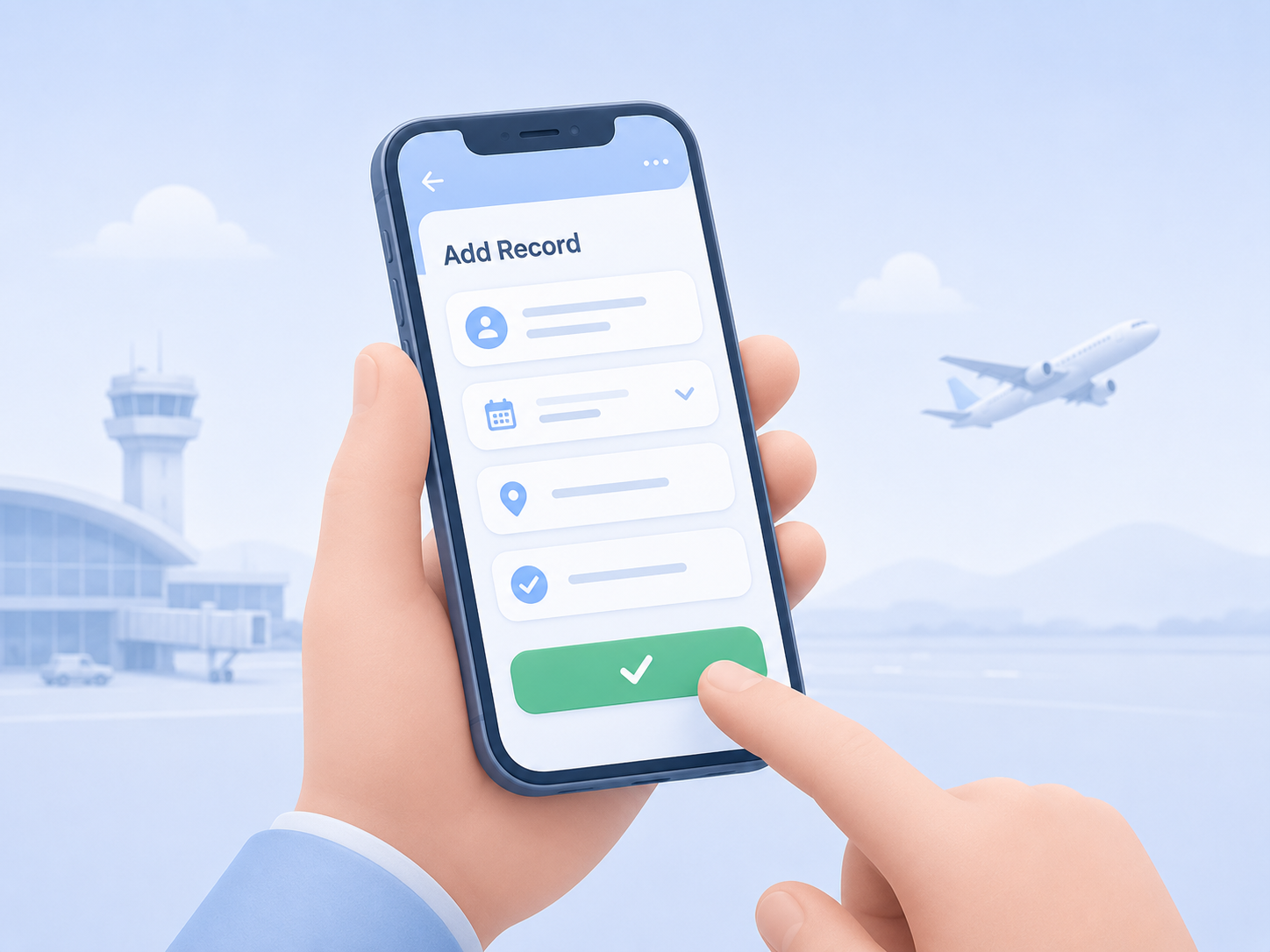
Add records quickly with a clean workspace designed for everyday use.
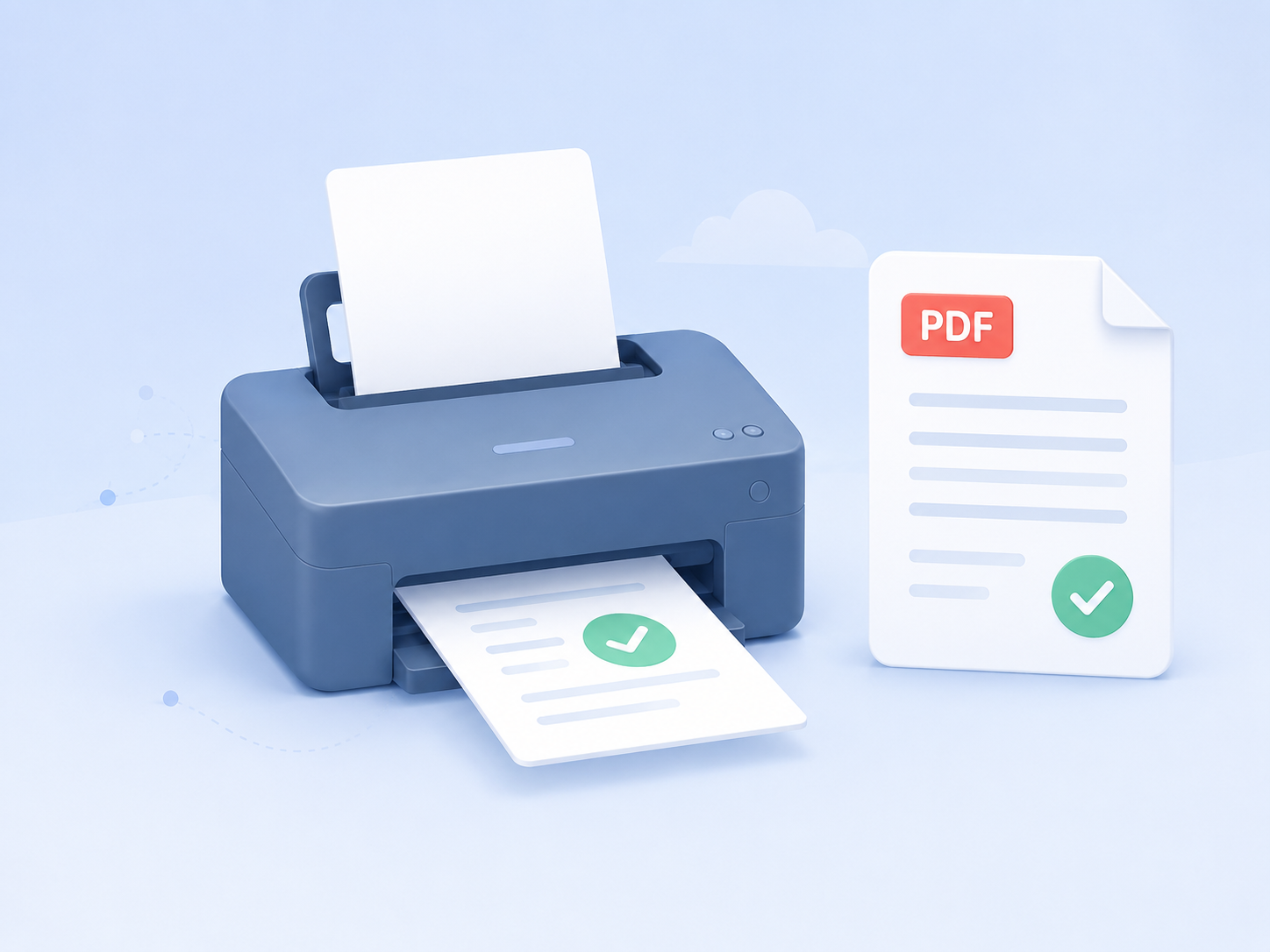
Keep your records organized and export clean documents whenever you need them.
Attach supporting files and keep useful documents connected to your records.
Manage your own aircraft, airports, certificates, and other reusable data.
Visualize locations and routes with a simple map-based view.
Details for the active features shown in the plan cards above.
| Feature | Beginner | Intermediate | Business |
|---|---|---|---|
| Print and export included Print official-style logbook pages and export filtered records as PDF, CSV, XLSX or GPX files for review, sharing, spreadsheet work, GPS device import or personal backup. | |||
| Connector access Use connector-linked workflows to receive, review, and sync records from approved partner sources without turning the account into a public API. Flight logbooks only | |||
| Import from file Import existing records from CSV, TSV, or XLSX files, map source columns to logbook fields, preview the batch, and correct rows before saving them. Flight Crew logbooks can also import KML/KMZ flight track files. For marine import NMEA files. For truck driver logbooks, import ELD files. Scuba Diving logbooks can import dive-computer profiles from CSV, UDDF 3.x, or Garmin FIT files, plus KML/KMZ geographic tracks. | |||
| Custom vehicles Create reusable transport asset records with type, designator, model, engine details, and related registration data so repeated entries stay consistent. | |||
| Logbooks Keep one or more active logbooks depending on your plan, separate different record sets, and upgrade when you need additional active books. | 1 Included | 3 Included | 10 Included |
| Authenticated signature Store a profile signature and include it on print-ready records where signature support is available, helping exported documents look complete and consistent. Also activates guest signature requests, so you can invite anyone to review and sign a logbook entry without needing an account. | Not included | ||
| Custom airports or locations Create airports or locations records with names, coordinates, timezone data. | Not included | ||
| Manage certificate Track user certificates and reusable credential details so profile, record, and reporting information stays organized in one workspace. | Not included | ||
| Regulatory Limits and Recency Track regulatory limits and recency requirements to ensure your qualifications remain current and compliant. | Not included | ||
| Air Carrier Lookup Save time with an integrated Air Carrier Lookup tool designed to help you quickly identify operators and complete your records with more confidence. Less manual searching, fewer mistakes, smoother data entry. Flight logbooks only | Not included | ||
| Time Tracking Time Tracking lets users record a start, waypoints if enabled and stop time, such as engine start and engine shutdown, and automatically calculate the elapsed time or distance for the logbook. | Not included | ||
| File uploads Attach supporting documents and images such as PDF, JPG, PNG, GIF, WebP, DOC, DOCX, XLS, XLSX, TXT, and CSV files where uploads are available. | Not included | ||
| Interactive Map Use map tools with airport search and details, route visualization, visited airports, METAR flight-category markers, weather previews, optional OpenAIP airspace overlays, runway data, and frequencies. Flight logbooks only | Not included | ||
| Connector users Support connector-linked users on advanced plans so partner workflows can manage access and billing cleanly for connected accounts. Flight logbooks only | Not included | Not included | 400 Included |
| Partner connector Connect partner systems through the secured connector model, review incoming records, resolve aircraft and airport data, and sync approved entries. Flight logbooks only | Not included | Not included | |
| API access Use approved integration access for advanced workflows where available, following the project’s secured connector API model. | Not included | Not included |
ProLogbooks is a free online logbook for pilots, cabin crew, drone operators, aviation maintenance engineers, boat captains, truck drivers, and scuba divers. Log every flight, duty period, voyage, trip, or dive without any entry limit, and export your records to PDF, Excel, or CSV whenever you need them.
Pilots can capture aircraft type, departure and arrival airports, instrument time, night hours, and more in a clean mobile-friendly form. Cabin crew track duty periods and flight legs in a dedicated crew logbook. Drone operators record missions with equipment type, duration, and location detail. Truck drivers log duty status, distance, and ELD events in a dedicated driver logbook. Scuba divers record dive sites, depth, duration, equipment, and imported dive-computer profiles in dedicated recreational or professional diving logbooks.
All logbook types share one account and one workspace, with a unified certificate, analytics, and export suite, so your aviation, marine, road, and diving records stay in one place.